 ShipUntilDead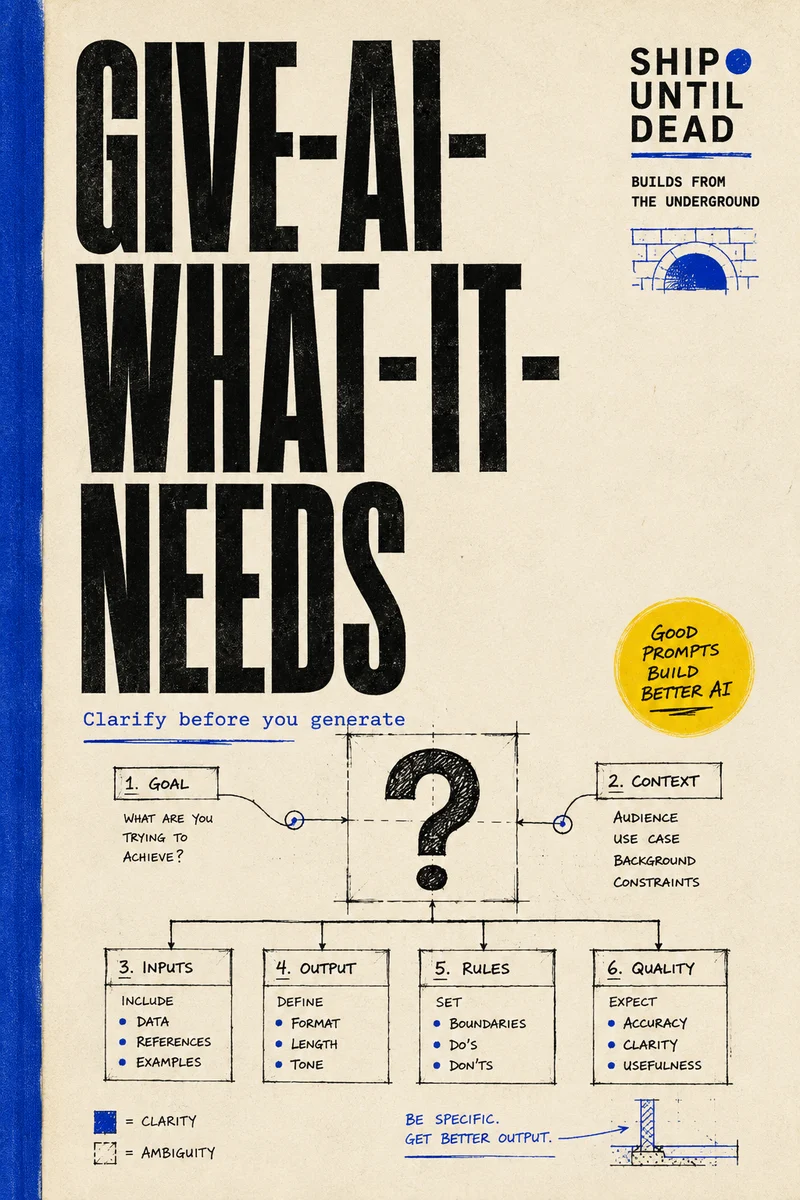


The idea
Ask first. Generate with intent.
A generation can look impressive and still miss the brief. The wrong format, an unspecified camera movement, or a forgotten detail means another paid attempt. This project puts a short clarification loop before generation, so the tool receives a more complete description of what you actually want.
What it does
The moving parts.
Questions grounded in your idea
The AI identifies the subjects and setting in your description, then asks focused questions about each. An idea about a barista pouring a latte can become separate questions about the barista, drink, café, and scene. Multi-select answers allow compatible details to coexist.
One prompt for each platform
Answers become a coherent description, then deterministic compilers add the platform-specific structure. Image targets include Midjourney, DALL·E, and Higgsfield; video targets include Higgsfield, Veo 3, and Runway.
Visible gaps before you spend
A completeness meter counts unanswered required fields. You can fill them in or explicitly choose to compile anyway. Technical choices such as aspect ratio and duration remain direct controls.
A way to test the idea itself
After copying a prompt, you can record whether the result worked first time, needed more attempts, or was abandoned. Local statistics compare complete and incomplete specs. Reduced regeneration is a hypothesis being measured, not a promised result.
How it works
From idea to action.
Describe the idea
Choose image or video and enter what you want to make. Set the practical constraints and any non-negotiable details.
Fill in what matters
Use the fixed form, or connect your provider and let the question engine break down the subjects. Answer the questions that help define the result.
Compile and take it with you
Review missing requirements, then copy a prompt into your generation platform. Return afterward to record the outcome.
In practice
Before you dive in.
The app prepares prompts; it does not generate the final images or videos. The current implemented domains are image and video. Coding and broader requirement graphs remain future work.
The Next.js app lives in spec-compiler-mvp. Install its dependencies and run npm run dev to use it locally. MCP integrations expose elicit_spec and compile_spec for compatible assistants.
Specs and outcomes persist in the browser. Provider keys are stored locally; Anthropic requests are browser-direct, while other supported providers use a same-origin pass-through proxy that does not store the key. AI questions require a key; the fixed form remains available without one.
Go deeper
Straight from the source.
Explore the original documentation for setup instructions and the latest changes.